Gather knowledge from many sources
Copied text, links and images from email, the browser, messages and other apps are saved in one place.
KlipSilo for Android
KlipSilo is a clipboard, not an office suite. Content you want to keep should be easy to find, view and reuse — without you having to think about where it came from.
Direct install for Android 8.0 and newer. The Play button opens the store home — a KlipSilo listing is not published yet.
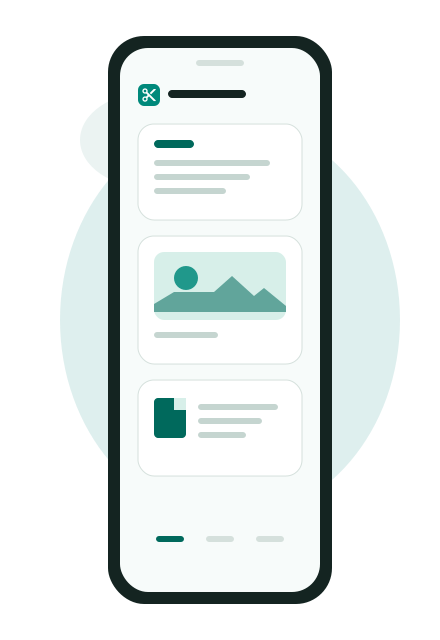
Text, links, images, PDFs, files and places behave differently. Each clip has a type, so the app shows only the actions that fit.
KlipSilo saves, organises and reuses what you copy — and can convert documents to PDF.
Copied text, links and images from email, the browser, messages and other apps are saved in one place.
TXT, RTF, DOCX and XLSX files can be converted to a readable PDF in the app — with text, headings, images, tables and list markers. No external programs and no internet needed.
Browse pages, zoom with two fingers, decode a QR code on a page, run OCR to extract text, and save a single page as its own PDF.
Add text and draw strokes — a straight line or free hand — to mark a section, fill a field, or highlight something before you share the document.
Links and phone numbers in text and PDFs can be found and opened directly. Save an address or your current location as a clip and open navigation with a double-tap.
Conversion, text extraction, OCR, QR scanning and viewing run on the phone and do not use a KlipSilo server. Saving a location may look up an address through the device geocoder. Content leaves the app only when you share it yourself.
Capture is deliberate. Nothing is saved unless you share it in or tap save.
Use Share → KlipSilo in any app, or tap “Save current clipboard” while KlipSilo is in front. The app does not monitor the clipboard in the background.
The clip is saved in the app’s private storage and given a type, so only the relevant actions are shown. Locking a clip only guards against an accidental edit or delete. It is not encryption.
View, share, convert or rename it. A conversion always creates a new clip and leaves the original untouched. Android backup does not restore clips — export a ZIP from the app if you want a copy.
Install the direct build today. The Play Store button is there for when a listing exists; right now it opens the store’s front page.
Direct install build for Android 8.0 and newer. Android will ask you to allow installation from this source.
Download APKOpens the Play Store home. A KlipSilo listing is not published yet.
Open Google PlayKlipSilo does not show advertising, sell or rent your data, use in-app purchases, or require an account.
Clips are kept in the app’s private storage. KlipSilo does not operate a server that receives your clips, photos, files or location.
The clipboard is read only when you tap “Save current clipboard” while the app is in the foreground. It is not watched in the background.